Genuine Kofax Perpetual Software
One-time perpetual desktop licenses for PDF editing, optical character recognition (OCR), and document filing. Instant email delivery with zero recurring subscription fees.
Kofax Power PDF Advanced
Perpetual Business PDF Suite with Redaction & e-Signatures
Kofax Power PDF Standard
Complete Everyday PDF Editing, Conversion & Assembly
Kofax Power PDF Standard for Mac
Native macOS PDF Editor Built for Apple Silicon & Intel
Kofax PaperPort Professional 14
Desktop Document Management, ADF Scanning & Cloud Filing
Kofax PaperPort 14
Home & Small Office Scanning and Digital Organization
Kofax OmniPage Ultimate
World-Class OCR Recognition & High-Volume Batch Conversion
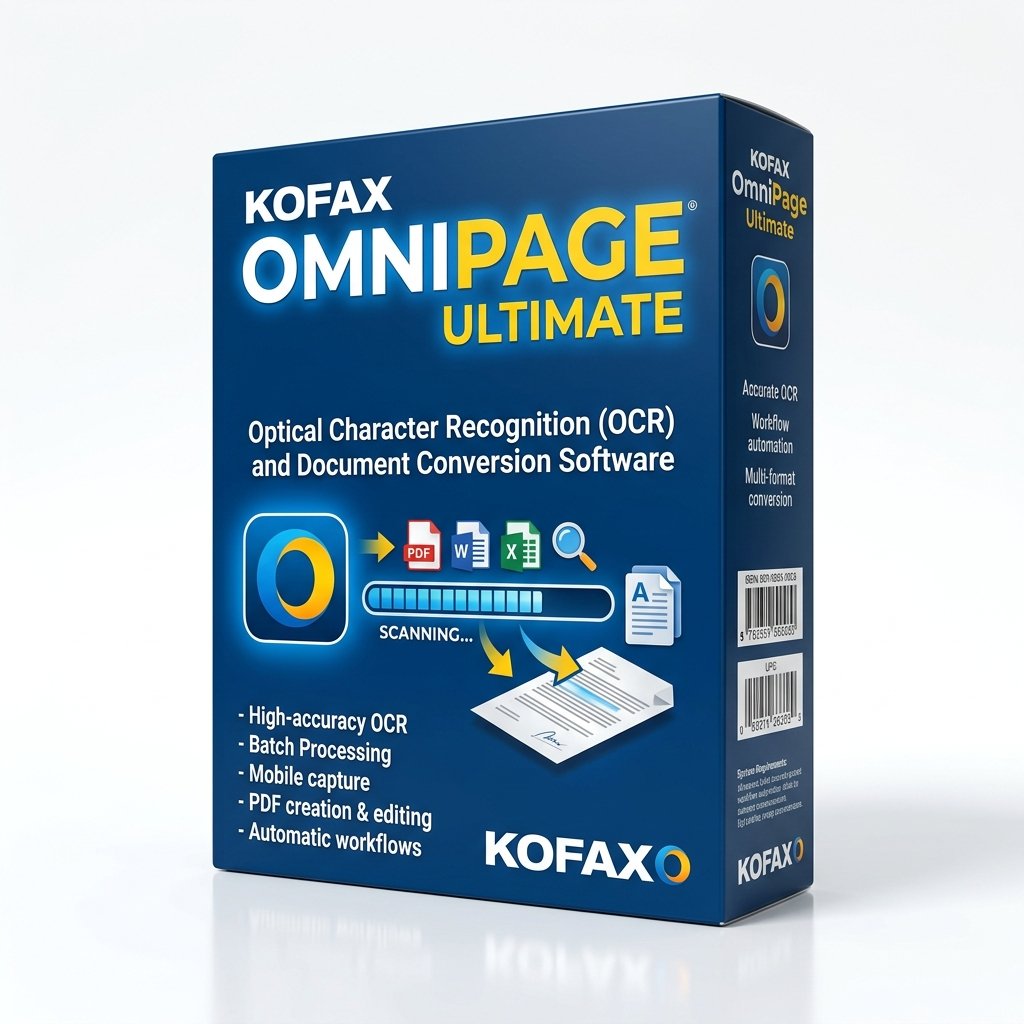
Kofax OmniPage Standard 18.0
Accurate Document Conversion for Workstations & Home Offices
Premium Technical Support & Setup
1-Year Priority Installation, Setup & Troubleshooting
Unsure Which Software Fits Your Workstation?
Our US-based document specialists can help you determine whether your compliance, redaction, or scanner setup necessitates Power PDF Advanced, OmniPage Ultimate, or PaperPort Professional.
How to Choose the Right Kofax Software
Selecting the right software requires aligning specific feature capabilities with the operational and regulatory demands of your business. Below is a concise breakdown of how the Kofax desktop software catalog is structured to help you make an informed decision.
1. PDF Management: Power PDF Advanced vs. Power PDF Standard
Both editions share an identical Microsoft Office-style ribbon interface, fast document viewing, standard PDF creation, and high-precision export to Microsoft Word, Excel, and PowerPoint.
- Choose Power PDF Standard if your primary tasks include compiling multi-page documents, filling out digital forms, fixing typos, and merging invoices for personal or general office use.
- Choose Power PDF Advanced if your organization requires legal Bates numbering, permanent binary redaction that scrubs hidden XML metadata, DocuSign workflows, or Microsoft Rights Management (RMS) network controls.
2. Document Filing: PaperPort Professional vs. Standard
PaperPort replaces messy stacks of physical paper with a clean visual desktop.
- PaperPort Standard is ideal for home scanning, receipt tracking, and small office digitization from flatbed scanners.
- PaperPort Professional 14 is essential for businesses with automatic document feeders (ADF), multi-page duplex scanning, Folder Watchers for network copiers, and cloud connectors for Google Drive, OneDrive, and SharePoint.
3. OCR & Document Conversion: OmniPage Ultimate
If your daily workload involves digitizing archive books, legal contracts, or multi-column PDFs, OmniPage Ultimate is the gold standard. It preserves intricate financial tables, column layouts, and fonts across 120+ languages with automated batch conversion.